Difference Between Authoritative and Recursive DNS
In a Domain Name System (DNS), there are two main types of servers: authoritative and recursive. Each one plays a fundamental role in domain name resolution on the Internet.
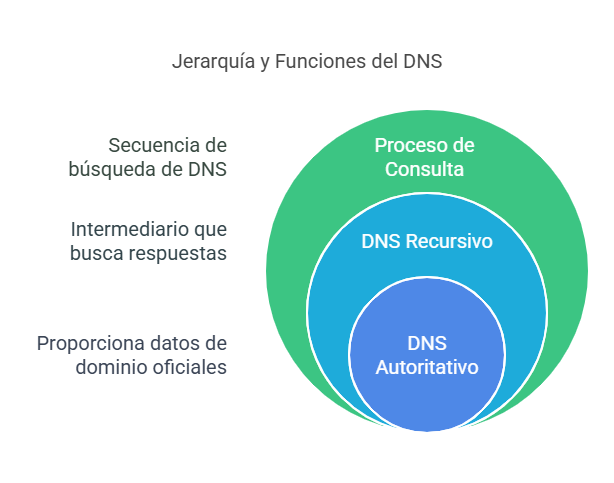
Authoritative DNS
An authoritative DNS server is one that has authority over a specific domain. It is responsible for storing and providing official responses about a domain’s DNS records.
Characteristics of Authoritative DNS:
Stores DNS records officially (A, AAAA, MX, NS, TXT, etc.).
Responds with definitive data and does not need to query other servers.
Example: If you query the domain
example.com, the authoritative DNS forexample.comwill tell you the associated IP address.
Types of Authoritative DNS:
Primary (Master): Contains the original DNS records and allows modifications.
Secondary (Slave): Obtains copies from the primary through zone transfer (AXFR) and acts as a backup.
Example of a Query to an Authoritative DNS Server:
dig NS example.com @ns1.example.com
Use Cases:
Hosting provider name servers.
Administrators of public and private domains.
Recursive DNS
A recursive DNS server acts as an intermediary between clients and authoritative DNS servers. Its function is to find the answer by querying other servers until the information is found.
Characteristics of Recursive DNS:
Does not store definitive records, but queries them as needed.
Performs multiple queries if the answer is not available in cache.
Example: When you type
example.comin your browser, your ISP queries a recursive server to find the correct IP address.
Example of a Query to a Recursive DNS Server:
dig example.com @8.8.8.8
Use Cases:
Name resolution at Internet Service Providers (ISP).
DNS response caching to improve speed.
Protection through security filters (RPZ, blacklists).
Comparison Between Authoritative and Recursive DNS
Characteristic |
Authoritative DNS |
Recursive DNS |
|---|---|---|
Purpose |
Store and respond with official domain information |
Resolve queries by asking other servers |
Modifies records |
Yes, manages DNS zones |
No, only queries |
Cache |
Does not store temporary responses |
Can store responses to optimize queries |
Data Source |
Domain’s own database |
Other sources such as root and authoritative servers |
DNS Delegation Troubleshooting Tutorial
This tutorial explains how to verify the delegation of a domain using parent DNS servers, such as a.lactld.org, and tools like dig.
DNS Delegation Concept
DNS delegation occurs when a higher-level zone (such as com.ar) points to the name servers responsible for a subzone (such as eltonga.com.ar).
To validate whether a domain is correctly delegated, the following steps must be followed:
Identify the parent DNS servers managing the upper-level zone.
Query these servers directly to verify whether the delegation is correct.
Atenção
To perform any type of DNS troubleshooting, common servers such as 8.8.8.8 or 1.1.1.1 should not be used, since they may alter the results, hiding responses such as SERVFAIL or NXDOMAIN. Instead, always query the authoritative servers or the corresponding registrar.
Step 1: Obtain the Parent Servers
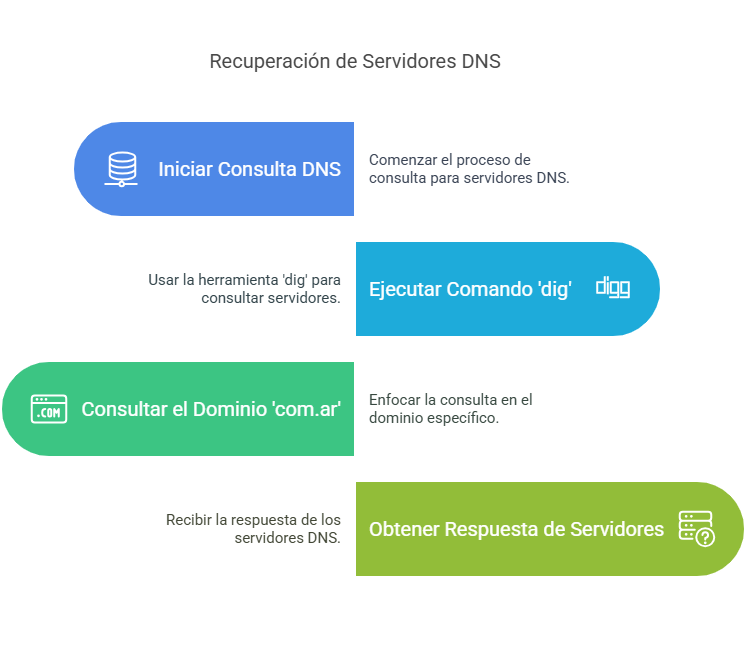
dig NS com.ar
This gives us the following result:
; <<>> DiG 9.18.28-1~deb12u2-Debian <<>> ns com.ar
;; global options: +cmd
;; Got answer:
;; ->>HEADER<<- opcode: QUERY, status: NOERROR, id: 35644
;; flags: qr rd ra ad; QUERY: 1, ANSWER: 5, AUTHORITY: 0, ADDITIONAL: 11

;; OPT PSEUDOSECTION:
; EDNS: version: 0, flags:; udp: 1232
; COOKIE: 5fd95c77c522a1c70100000067abac058f8c94d25791aa63 (good)
;; QUESTION SECTION:
;com.ar.                                IN      NS

;; ANSWER SECTION:
com.ar.                 6685    IN      NS      f.dns.ar.
com.ar.                 6685    IN      NS      c.dns.ar.
com.ar.                 6685    IN      NS      e.dns.ar.
com.ar.                 6685    IN      NS      d.dns.ar.
com.ar.                 6685    IN      NS      a.lactld.org.

;; ADDITIONAL SECTION:
a.lactld.org.           67759   IN      A       200.0.68.10
c.dns.ar.               1092    IN      A       200.108.148.50
d.dns.ar.               1092    IN      A       192.140.126.50
e.dns.ar.               1092    IN      A       170.238.66.50
f.dns.ar.               1092    IN      A       130.59.31.20
a.lactld.org.           69915   IN      AAAA    2801:14:a000::10
c.dns.ar.               1572    IN      AAAA    2801:140:10::10
d.dns.ar.               1572    IN      AAAA    2801:140:dddd::50
e.dns.ar.               1572    IN      AAAA    2801:140:eeee::50
f.dns.ar.               1572    IN      AAAA    2001:620:0:ff::20

;; Query time: 0 msec
;; SERVER: 190.185.105.10#53(190.185.105.10) (UDP)
;; WHEN: Tue Feb 11 16:59:01 -03 2025
;; MSG SIZE  rcvd: 379
Step 2: Query the Domain Delegation
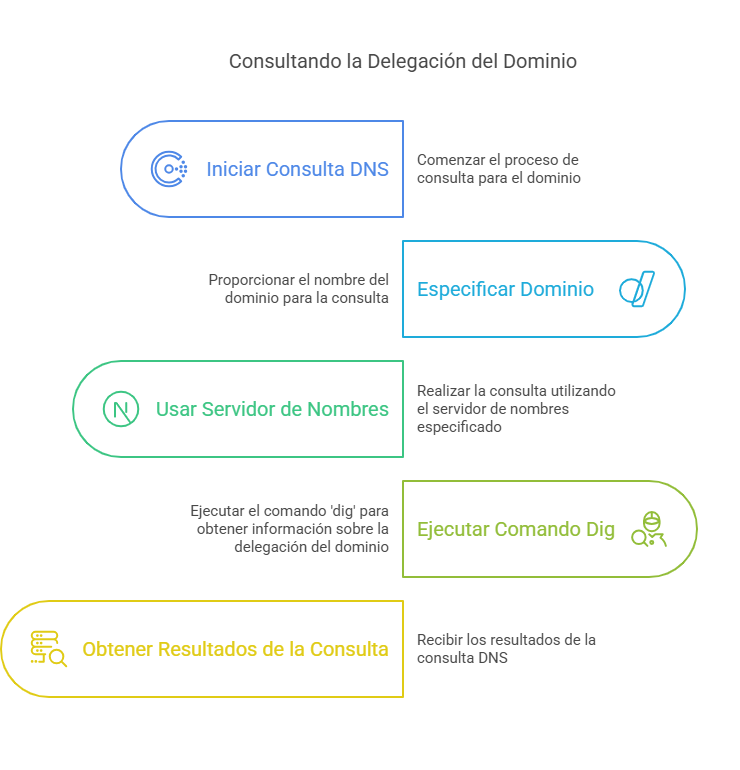
dig NS eltonga.com.ar @a.lactld.org
This gives us the following result:
; <<>> DiG 9.18.28-1~deb12u2-Debian <<>> NS eltonga.com.ar @a.lactld.org
;; global options: +cmd
;; Got answer:
;; ->>HEADER<<- opcode: QUERY, status: NOERROR, id: 13822
;; flags: qr rd; QUERY: 1, ANSWER: 0, AUTHORITY: 2, ADDITIONAL: 1
;; WARNING: recursion requested but not available

;; OPT PSEUDOSECTION:
; EDNS: version: 0, flags:; udp: 1232
; COOKIE: 0300b2c01968a8d60100000067abaca7e3f42645a49647e6 (good)
;; QUESTION SECTION:
;eltonga.com.ar.                        IN      NS

;; AUTHORITY SECTION:
eltonga.com.ar.         7200    IN      NS      globaldns1.planisys.net.
eltonga.com.ar.         7200    IN      NS      globaldns2.planisys.net.

;; Query time: 128 msec
;; SERVER: 200.0.68.10#53(a.lactld.org) (UDP)
;; WHEN: Tue Feb 11 17:01:43 -03 2025
;; MSG SIZE  rcvd: 133
Step 3: Verify with the Registrar
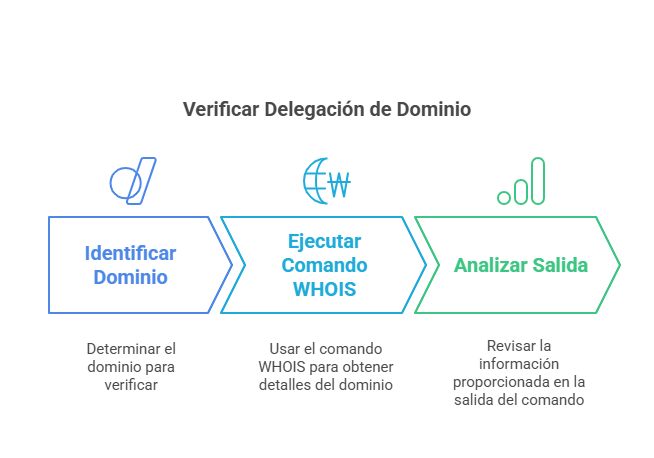
To verify whether the domain is correctly delegated at its registrar, execute:
whois -h whois.nic.ar eltonga.com.ar
Example output:
domain:         eltonga.com.ar
registrant:     XXXXXXXXXXXXXXXX
registrar:      nicar
registered:     2022-10-21 13:55:54.125063
nserver:        globaldns1.planisys.net ()
nserver:        globaldns2.planisys.net ()
Step 4: Verify Full Resolution
To ensure that the delegated servers respond correctly:
dig A eltonga.com.ar @globaldns1.planisys.net
If the server responds with a valid IP address, the delegation is correct.
Step 5: DNS Propagation Verification
Sometimes delegation changes may take time to propagate. To verify this:
Use web tools: - https://dnschecker.org/ - https://www.whatsmydns.net/
Query from multiple servers: - Google DNS:
  dig eltonga.com.ar @8.8.8.8

 - Cloudflare DNS:

.. code-block:: bash

   dig eltonga.com.ar @1.1.1.1
Step 6: SOA Record Verification
To ensure that the domain has a valid SOA record, we can execute:
dig SOA eltonga.com.ar @globaldns1.planisys.net
Common Errors in DNS Delegation
If a domain delegation is not configured correctly, errors such as the following may occur:
NXDOMAIN: Indicates that the domain does not exist.
SERVFAIL: Problems in the authoritative DNS server configuration.
REFUSED: The DNS server does not allow external queries.
No response: The DNS server is not responding correctly.
Conclusion
First query the upper-level zone servers to verify the delegation.
If the delegation is correct, the servers listed in the AUTHORITY SECTION should respond to queries about the domain.
Verify propagation and configuration at the registrar to avoid issues.
Review SOA, A, AAAA, MX, and TXT records to ensure proper operation.
This method allows diagnosing delegation problems and validating whether a domain is correctly configured within its DNS hierarchy.