Some Support Tips
How to find out my public IP address and determine whether it is compromised.
Depending on the platform being used, the public IP address can be obtained as follows:
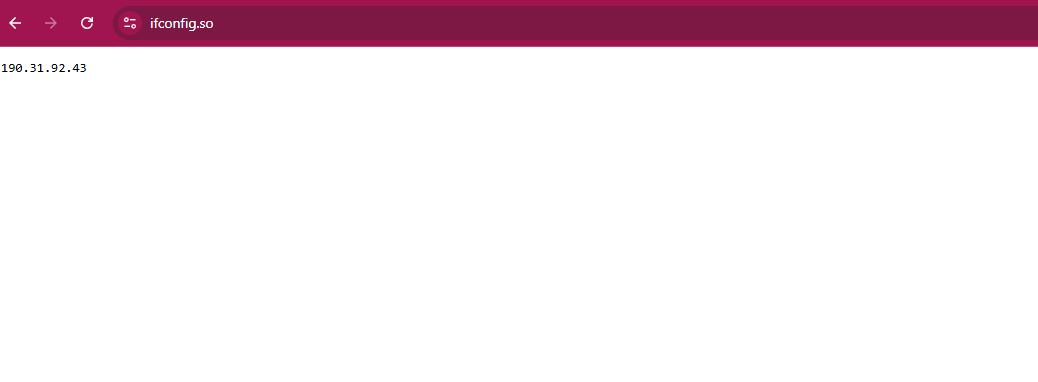
Via web (for any platform with a GUI and browser) using: ifconfig.me, ifconfig.so, whatismyipaddress.com, etc.
For Windows via CLI using PowerShell:
curl ifconfig.me
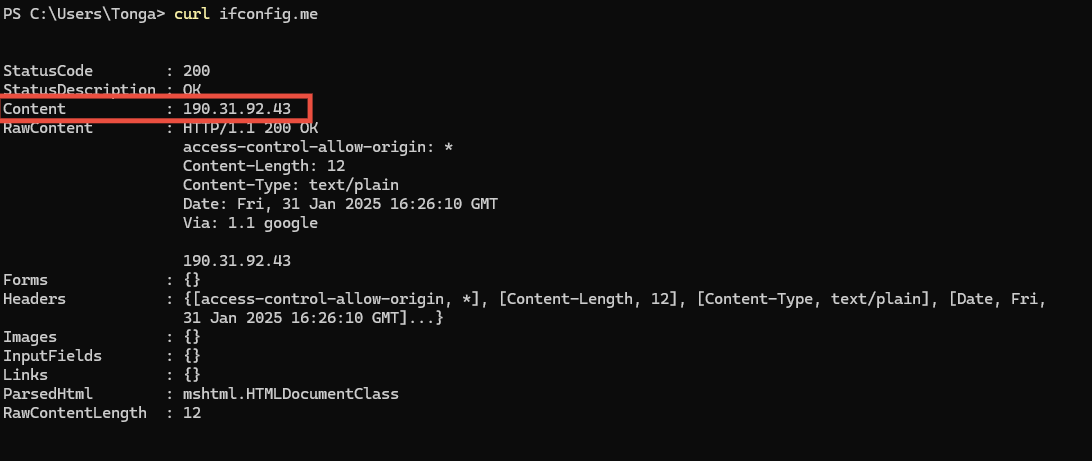
Or directly using the Invoke-RestMethod cmdlet
Invoke-RestMethod -Uri ifconfig.me

For Linux or Mac CLI:
curl -s ifconfig.co && echo -e «n»
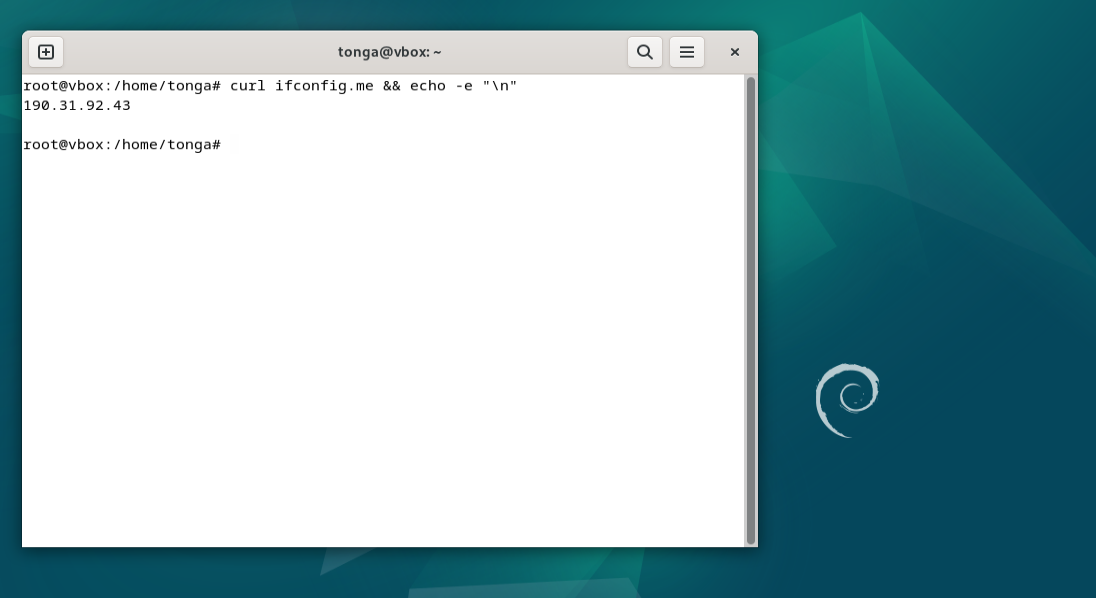
Then check the IP using virustotal.com or https://check.spamhaus.org/ … in case of infection, inspect the devices with antivirus software.
Another possibility is to power cycle the modem, since it may be related to a previous IP assignment, especially in the case of ADSL connections where IP addresses rotate.
How to Clear the DNS Cache on Our Devices
One option is to restart the ADSL/Fiber router at home if we notice that a known domain does not resolve correctly while other domains do.
Flush the DNS Cache
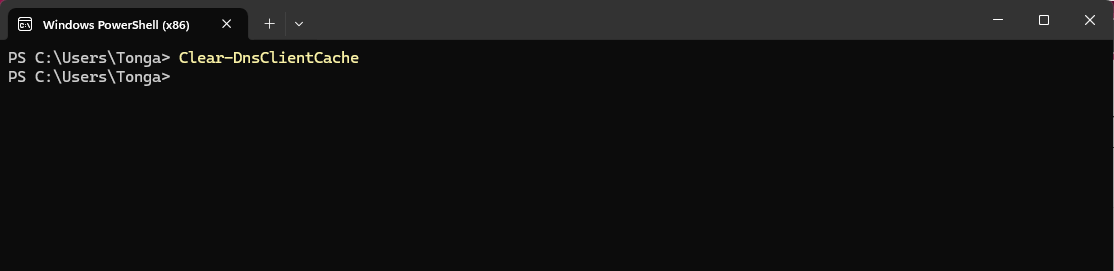
On Windows:
CMD: ipconfig /flushdns
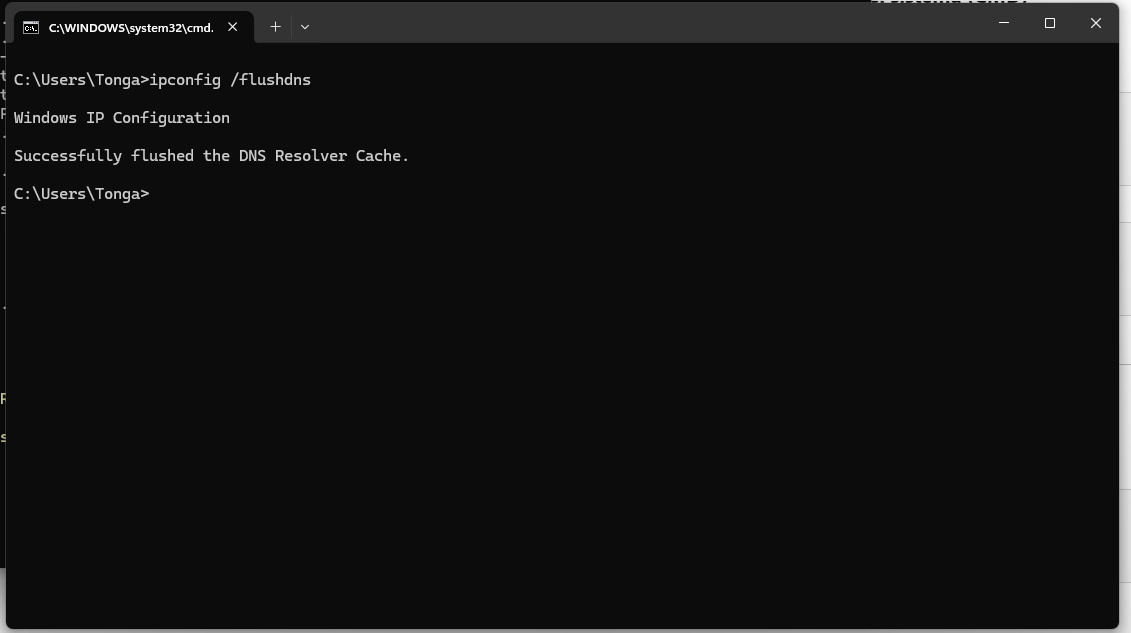
PowerShell: Clear-DnsClientCache
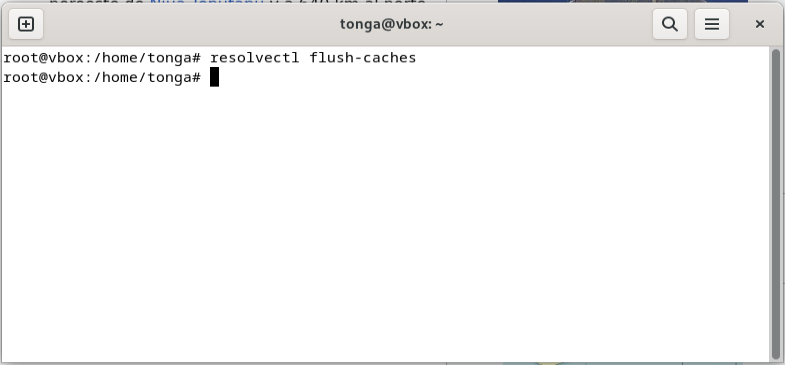
On Linux: CLI: sudo systemd-resolve –flush-caches.
On MacOSX CLI: sudo dscacheutil -flushcache; sudo killall -HUP mDNSResponder